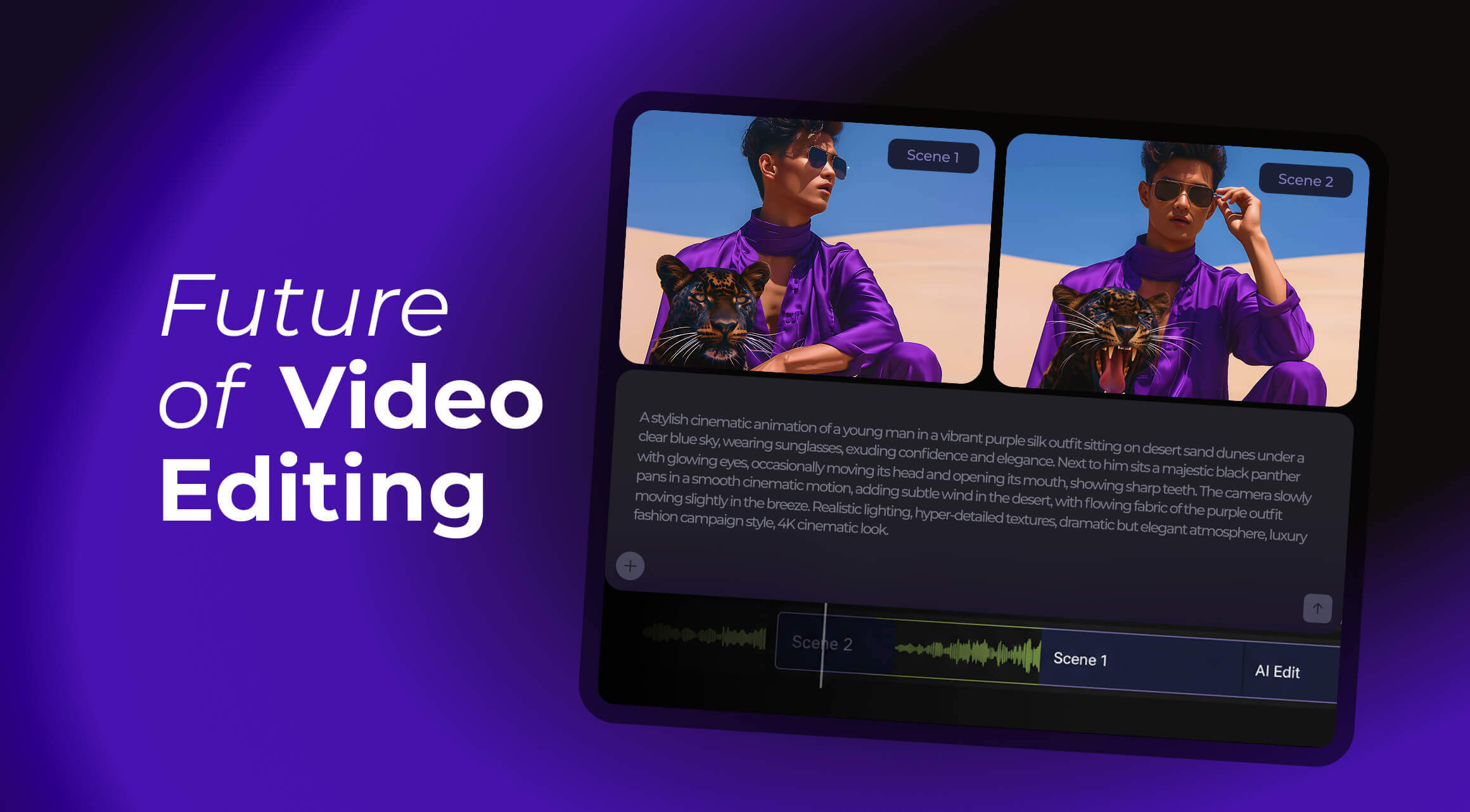

The repetitiveness of trimming raw footage into something entertaining can feel like such a boring task. And what about finding the best clips to repurpose them into Shorts? How about cutting out the fluff? And, most importantly, how do you improve video quality by implementing AI? All that and more.
AI Clipping and Saving Time
Editing in itself can be painful. Inserting cool memes and sounds is fun, but what about cutting down your raw footage? That’s when you lose hours upon hours of time, doing the same boring and repetitive motions.
And how about finding the best clips to repurpose them into shorter little videos for your other social media? The answer to all that and more is: AI.
While AI isn’t the perfect solution to all your problems, it can be used to significantly reduce the time spent on the boring stuff to concentrate more on creation.
Top AI Clipping Tools for YouTube Creators
There are a lot of AI tools that can simplify and streamline the editing process. A lot of those that find and cut bad takes, but even more - for all your clipping needs. How good are they? How well do they work? Let’s review.
Opus Clip
Let’s start with the more popular options. Opus Clip is the tool that automatically generates Shorts and highlights clips from your long-form videos.
If you’re a YouTuber looking to repurpose long videos into Shorts - this is where you go.
Pros:
- It’s pretty fast in highlighting the clips that would look best in Shorts.
- Easy to export done clips.
Cons:
- Might need some manual tweaking to really get the best narrative context.
Opus Clip pricing starts at $15/mo for a Starter pack and ends at $29/mo for Pro pack.
Source: Justin Brown - Primal Video
Quso AI
Up next is your swiss army-knife Quso AI. What can it do? Well, first it’s capable of making short videos from your longer-form content. Additionally, it’s capable of generating AI clips for later use with virtual avatars and through regular prompts.
If you’re a tutorial creator or a live streamer, this is the tool for you.
Pros:
- Can make multiple clips per video.
- Great social media optimization.
Cons:
- The tool is still in the beta testing stage, so its analytics are pretty limited.
Quso AI pricing starts at $29/mo for Lite version, $39/mo for Essential, and $49/mo for Growth package. There is a limited free trial version as well.
Source: qusoai
VideoTap
Another tool capable of transforming one clip into multiple (and add tagging on top) is VideoTap tool. It’s great for gaming or vlog channels because it’s not only capable of making Shorts from your long-form content, but also can generate blog posts, descriptions, and so much more.
Pros:
- Tag-based clip generation.
- Fast batch processing.
Cons:
- If you’re a pro, the interface might feel a bit basic.
VideoTap’s pricing starts at $25/mo for Creator bundle, $80/mo for Crew, and $150/mo for Studio.
Source: Scott Redgate
Repurpose.Io
Do you need cross-platform clip repurposing? Then repurpose.io is for you. It can set up automated workflows to repurpose your content from one social media to another. So, if you're a TikTok-only creator, you can automatically start posting the same content on Instagram, YouTube, and so much more.
It can work great for podcasters, or long-form content creators.
Pros:
- One-click social media distribution.
- Supports a lot of formats.
Cons:
- Limited AI insight.
Repurpose.Io’s pricing starts at $35/mo for a Starter package, $79/mo for a Pro version, and $179/mo for Agency bundle.
Source: Money Mind
GetMunch
GetMunch advertises itself as an all-in-one platform, where you can get automated editing, auto-caption generation, posting and cutting long-form content into more bite-sized pieces. Seemingly, it can do it all.
And, truly, the best use case for GetMunch is multi-platform content strategy.
Pros:
- Quick clipping.
- Transcription-based highlighting.
Cons:
- Less control over pacing and transitions.
GetMunch’s pricing starts at $48/mo for an Essential package and $75/mo for a Premium. Both have 7 day free trials available that can be cancelled anytime.
Source: Chris and Minn Media
Clipwing Pro
Up next is a simpler tool, Clipwing Pro. What can it do? Turn your long videos into Shorts, for one, add subtitles on your videos, make you a doc if you need a video summary, resize your slips for socials.
This tool works best for tutorials and reaction videos.
Pros:
- AI can suggest clips with high-engagement potential.
- Resizing your videos.
Cons:
- The full potential can only be unlocked with subscription.
Clipwing Pro’s pricing starts at $29.99/mo for a Pro package. There’s a free, but limited, version available. There’s a Studio version that will cost you $2,999,99/mo with more perks available.
Source: Best AI TOOLS
Vizard
Vizard AI is a great tool for webinars and live recordings. Its core functionality lies in AI editing, scene recognition, and subtitles. It also can use AI to turn your amazing long-form videos into short clips ready for TikTok, Insta, YouTube Shorts, and more (hashtags included).
Pros:
- Auto-subtitles and pro-level clip trimming.
- Multi-format export.
Cons:
- Less optimized for high-energy content (can look a bit weird).
Vizard AI’s pricing starts at $29/mo for a basic Creator version and $39/mo for Business bundle. A free version is available, but it’s limited.
Source: Daniel | Tech & Data
SnapCut AI
What’s the strengths of SnapCut AI? According to their own words it’s the smart trimming and vertical reformatting for your other social media. It has smart captions, which require no effort on your part.
Pros:
- Fast export to multiple aspect ratios.
- Animated captions that can be chosen from a variety of templates.
Cons:
- Manual review recommended.
SnapCut AI’s pricing starts at $8,99/mo for a Starter version, and it has a $24/mo Pro version available as well. There's a free trial for both and a general free, limited package.
Source: Kenneth Fong
Recast.Studio
Recast.Studio is marketed as the right-hand helper of marketing teams. It can edit and repurpose video clips and audio content. It works through transcribing your video and then finding the parts that can be used for Short clips.
It could work great for podcasts, snippets, and social media,
Pros:
- Multi-platform focus and easy UI.
- Batch processing.
Cons:
- Less complicated scene detection.
Recast.Studio’s pricing starts at $12/mo for a Starter package, and there's a $29/mo Professional option. There's a free trial available as well with some fair limitations.
Source: Julia OpenAI
AI Tools That Cut Clips Best (2025): Fast Comparison
So, which one is fastest? Which one is best at cutting a long form video into smaller Shorts? Which one can resize your clips? Cloud vs. desktop? Here’s your cheat sheet.
|
Tool |
Platform & workflow |
Standout strengths |
Common complaints |
|
Opus Clip |
Browser; Direct upload on the site to cut up the bigger video into smaller chunks |
Straightforward export; great at highlighting the clips that would work great in Shorts. |
A common complaint seems to be that the video-editor itself has some bugs. |
|
Quso AI |
Web-based only Works entirely online through AI. |
Great social media optimization; scheduling uploads; can track performance |
While captions are fast, they can also be inaccurate and need manual reviewing. Learning curve; free version is limited. |
|
VideoTap |
Both browser and app available. |
Batch-processing; tag-based clip generation; auto captions can be edited; can make blog posts from your video |
Oversimplified software, captions need manual reviewing; mistakes in subtitling, depending on the quality of your sound |
|
Repurpose.Io |
Both built-in browser version and an app version on WebCatalog Desktop for Mac, Windows |
Quick; has a lot of social media insights; decent resizing feature |
A common complaint is that it downsizes the quality of the video; difficulties in canceling the subscription |
|
GetMunch |
Both a browser version and an app for Desktops (Windows or Mac) |
Good interface; easy to use and straightforward; transcription-based highlighting |
Bad export clip quality; free trial is limited; long rendering time. |
|
Clipwing Pro |
Web |
Good AI video quality; user-friendly interface; supports a lot of different video formats |
Free version includes watermark; needs a stable internet connection to function properly |
|
Vizard |
Mobile app is available on Google Play; Web version is freely available as well |
Super user-friendly; auto-transcribes and segments videos for quick highlights; multi-format export. |
Expensive; users often complain about AI limitations; slow rendering; lacks advanced tools |
|
SnapCut AI |
Web App |
Clean, minimalist interface; loads of video features; animated captions |
Problems with video exporting; no keywords; the max limit of uploads is 5GB. |
|
Recast.Studio |
Web App only |
Can create multiple soundbites; UI is very simple to navigate; batch processing |
Expensive; audio rendering issues, requires manual reviews; sometimes can take a long time to process |
How to Pick the Right Clipping Tool?
AI clipping without purpose is useless. So, so know which one to pick, it’s better to understand what you want to achieve first:
- Maximizing Long-Form Video ROI
A 30-minute tutorial or livestream can generate 5-10 Shorts, each targeting different audience segments. AI tools like Opus Clip or GetMunch reduce this process from hours to minutes. - Social Media Amplification
Platforms reward frequent content. SnapCut AI and Recast.Studio allow creators to convert long-form content into vertical Shorts or Reels seamlessly. - Retention-Boosted Editing
Tools like Clipwing Pro and Vizard can automatically remove filler or low-value content. - Multi-Creator Workflows
For teams or creators with multiple collaborators, AI tools can automatically generate pre-edited clips for review, reducing back-and-forth and accelerating publishing timelines.
What to Evaluate?
What to look for when you’re trying to pick a good AI clipping tool specifically for your content?
- Efficiency: Do you need momentary processing? How dependent is your content on speed?
- Scale: Do you need batch processing or do you only plan to make short clips from one singular video?
- Quality: Does the tool give good quality material after uploading?
AI clipping tools allow you to produce more content, optimize for engagement, and maintain video quality without additional effort.
The takeaway is clear: manual cutting is no longer necessary. AI clipping lets creators reclaim hours.
![YouTube Updates: AI Shorts, Streams, and Monetization [September 2025]](https://air.io/storage/Ql3V7rQ8LsIG1wJ41nHolTgfGFOGbuicI38ynQKC.jpg "YouTube Updates: AI Shorts, Streams, and Monetization [September 2025]")