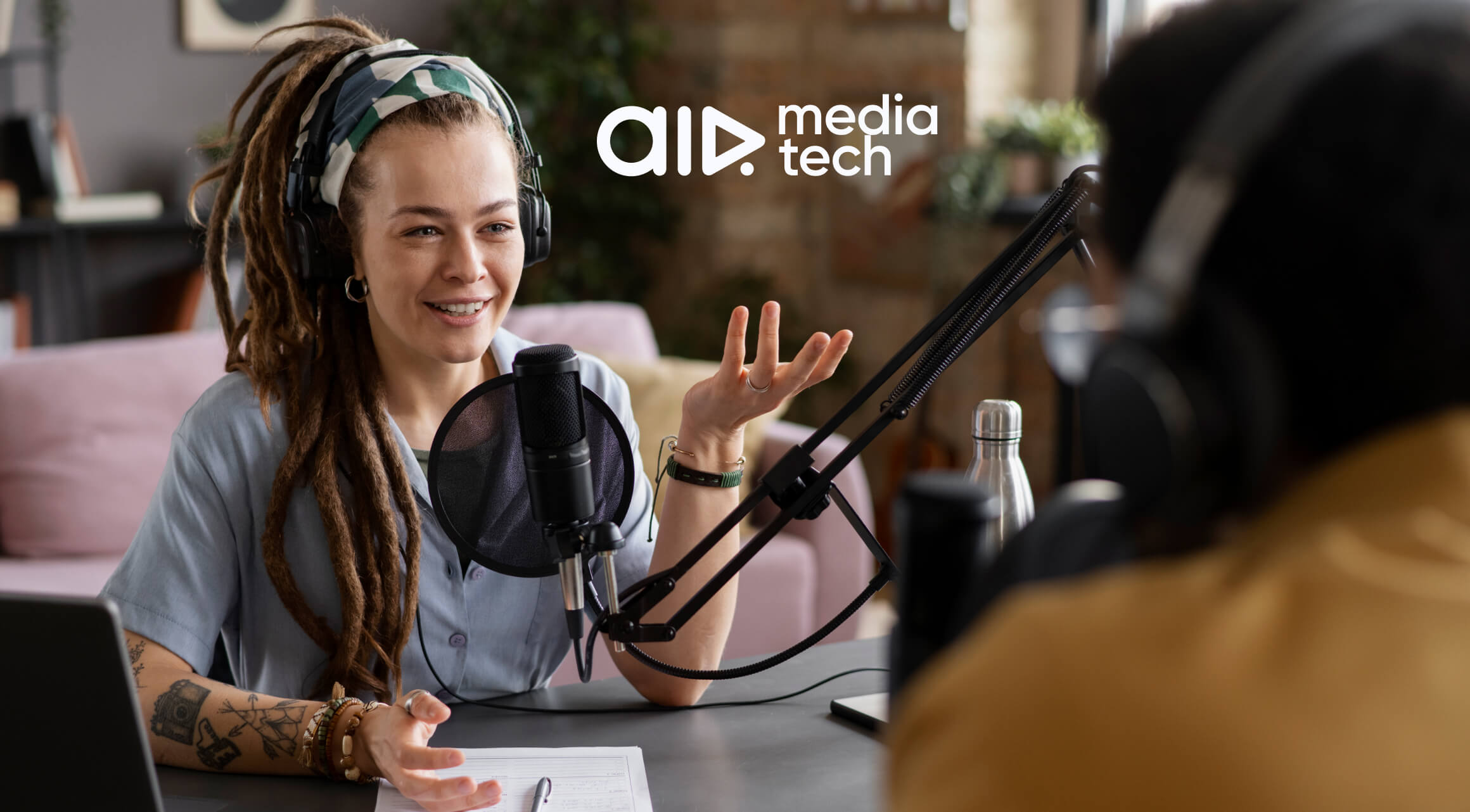

It seems like everyone who has bought a microphone is starting a podcast these days. And no wonder! The latest YouTube data shows that podcasts are growing in popularity by the minute. Some podcasts grab the attention of millions upon millions of viewers all over the world. If you’re an established YouTuber, skipping over this trend is almost a crime. So, let’s break down how to start your own podcast on YouTube.
Why Are Podcasts So Popular Now?
Podcasts are growing in popularity with both viewers and creators. For creators, it’s a way to increase total watch time, a low-friction format that lets them collab with bigger creators, a playground to discuss deeper topics, and a safe testing ground for ideas, stories, and hooks. For viewers, it’s a great ‘silence filler’ where what is talked about is more important than the visual.
And YouTube happens to be the preferred podcast listening service. Around 31% of viewers are choosing YouTube to listen to their favorite podcasts over any other service. YouTube prioritizes session time and returning viewers, both of which this format is great at. Podcasts play well across mobile, desktop, and TV. They are rewatchable, clip-able, and repurposable.
In other words, it’s easy to make, great for the ‘background noise’ watching, and can be repurposed into Shorts or be posted on different social media, a win-win situation for the audience, the creator, and YouTube.
Deciding on Format
Creators who want to start their own podcast usually overthink gear and underthink format. Ask yourself these questions:
- Is this solo, co-hosted, or interview-based?
- Are we aiming for 30 minutes, 60 minutes, or 2+ hours?
- Will it be topical (news), evergreen (frameworks, stories), or a hybrid?
For YouTube, here’s what tends to work:
A. Solo or Co-Host > Weak Interviews
If you don’t have strong interviewing skills and a pipeline of interesting guests, consider skipping the interviewing format altogether. Start with a co-hosted or solo format, because this would be much safer.
Weak interviews are much harder to promote and notice among the sea of similar content.
B. Episode Length: Aim for a Watch-Time Sweet Spot
Most successful YouTube podcasts fall into:
- 30–50 minutes → easier to binge, clip, and rewatch
Example:
- 60–90+ minutes → better for fans and TV viewers, but higher bar to click
Example:
Implementing this formula works well for some channels:
- Publishing one main episode (40–60 minutes)
- Breaking it up into 5–10 clips across Shorts / a clips channel
That way, your podcast is discovered quickly, and it’s easier to watch on TVs.
Design the Episode Structure
A lot of creators ruin their podcast by assuming “it’s just talking.” But it isn’t just that. You need structure, just like in a standard YouTube video. So, there needs to be a hook, a payoff, and a way to keep viewers engaged throughout the length of your episode. Build a repeatable structure. For example:
- Cold Open (30-60 seconds)
- One strong moment from the conversation.
- A hot take, a surprising stat, an emotional story fragment.
- You want the viewer thinking: “I need context.”
Example:
- Visual + Verbal Hook (first 30 seconds after intro)
- State clearly: what is this episode about and why should they care?
- Example: “Today we’re breaking down how X grew from 0 to 1M subs in 12 months—and the three decisions that almost killed the channel.”
Example:
- Callback & Next-Episode Tease
- Tie back to the hook.
- Tease a follow-up episode, guest, or topic at the end to push session time.
Example:
Visuals: Building Episodes for TV
Many people watch YouTube on TV, and the number has been steadily increasing over the years. TV viewers are relaxed, which is why they often binge-watch whole podcast series, and they want to ‘enjoy their late-night shows’.
Which is why YouTube is aiming to improve the TV experience. Hence, the automated 1080p thumbnails and the max quality increase. TV viewers also tolerate long videos and enjoy good storytelling. They often binge-watch whole podcast series, so try to structure your work in a way that creates clear segments/playlists so it’s easier to do just that. TV viewers need good visuals, and we can prove that good quality matters for those who watch YouTube on TV in their living rooms.
One of our partners had decided to put the TV experience to the test. They have increased the quality of their videos all the way to 4K. And, what would you think? A simple tweak like that unlocked +52% revenue.
But that’s not all. Our other partner, a European Music channel, has implemented the same improvement to increase their TV viewership. That alone unlocked +107% TV views growth.
Remember, you don’t need a crazy set or over-the-top gear, but what you do need is:
- A clear podcast visual identity
- Repeatable set elements: table, neon sign, logo placement, camera framing.
- Consistent color palette and thumbnail style.
- Multiple angles, if possible
- Host close-up, guest close-up, wide shot, which gives your editor interesting material to work with.
- On-screen text or minimal graphics
- Names, frameworks, numbers, timestamps, big statements.
- Enough to add clarity, not so much that it feels over-edited.
Visuals matter for podcasts if you want to reach the TV audience. So, a good quality is a must, even if your podcast doesn’t rely on the visuals alone.
If you wish to look at an example of a great podcast with clear, but simplistic visuals that have multiple camera angles, recognizable background, and quite a cast of people, look no further than Critical Role, Dimension 20, or even Bards of New York, Legends of Avantris. These channels have a recognizable podcast style and high visual quality.
Example:
If you wish to unlock the full potential of your channel, reach out to us! Our team offers over 30 services and a full team that will help you make your content popular on the big TV screens.
Audio: The One Area You Cannot Cheap Out On
Simple visuals are a-okay in a podcast world. If anything, over-editing is a bad thing. However, one thing you absolutely should pay utmost attention to is audio. There are quite a few good mics that will make you sound good, but be sure to also check out AI tools that could help you out with bad audio quality.
The minimum bar is quite high in the audio department:
- Dynamic mics (e.g., Shure MV7, Rode PodMic, etc.) over cheap condensers in untreated rooms.
- Basic acoustic treatment (rugs, curtains, foam, bookshelves).
- Separate audio tracks for each speaker so your editor can:
- Compress and EQ individually
- Clean up room noise and mouth sounds
- Fix overlap or interruptions
If you’re already a creator, you likely have most of this or know how to get it quickly. Every podcaster (the good ones) has to have great audio quality if they want to be popular (and even watchable).
Example:
Make It Native to YouTube: Metadata, Playlists, and Posting Strategy
Many creators treat podcasts like something separate from YouTube. But, as they grow in popularity, YouTube implements many built-in support tools for podcasts as a category within its ecosystem.
How do you make it work? How do you create a podcast? It’s simple, this is what you should do:
- Tag your video as a podcast series in YouTube Studio (under Content → Podcasts, if available to you).
- Create a dedicated playlist named clearly:
- “The [Channel Name] Podcast”
- Or niche-specific: “Creator Deep Dives,” “Brand Builders,” etc.
- Use clear, keyword-rich titles:
- Bad: “Episode 3: Talking With John”
- Better: “How [Guest] Built a $1M Brand From YouTube Shorts.”
- Use consistent thumbnail templates:
- Faces + strong hook text + bold color coding.
The metadata strategy here is similar to that of your regular YouTube video strategy, with the difference in simplicity. The simpler the better for podcasting. Be clear, steer away from clickbait, and you’ll win this game.
Clips Strategy: Where the New Audience Actually Comes From
Realistically, most viewers won’t randomly stumble upon your 60-minute video in their recommendations. Some will, don’t get us wrong, but the majority will come through Shorts. That’s right, they win again. You have two main options that make up a great ‘promotion cake’:
Option A: Clips on Main Channel
This is where you post your perfectly-cut Shorts, as the title suggests, on your main channel. This move seems intuitive, right? But it has its pros and cons. Let’s see:
Pros:
- Consolidates watch time and subs.
- YouTube sometimes pushes clips to people who watched the full podcast.
Cons:
- It can confuse your algorithm if your main content is very different.
- You risk cluttering the feed, which might bring the opposite effect of what you want.
This is, essentially, what the Legends of Avantris channel does to promote their main podcast. Their Shorts clutter the feed, but bring in views, because they’ve chosen a rather interesting approach of animating the great moments of their podcasts. These Shorts collect (on average) 6-10 million views.
Example:
Option B: Dedicated Clips Channel
This is an option for you to make a separate channel dedicated purely to Shorts. Let’s look at the pros and cons:
Pros:
- Clean separation of long-form vs ‘snackable’ content.
- Easier to experiment without spamming your main audience.
Cons:
- Slower to grow at first.
- More overhead (thumbnails, uploads, community).
For most mid-to-large creators, what usually works is:
- Main channel → full episodes + occasional “super cut” or themed shorter episodes.
- Clips channel → 3–7 clips per episode optimized for search and browse.
Every episode should be mined for:
- Hot takes
- Cool insights
- Peak emotional moments
Those are your clip pillars.
Monetization: Why Podcasts Are So Attractive to Brands
Podcasts often have lower RPMs from AdSense, but don’t let that deter you. The value of podcasts is in the:
- Brand deals
- Memberships
- High-ticket offers (courses, consulting, products)
Why brands like podcasts, you might ask? Well, longer watch sessions mean more brand exposure. Of course, stuffing mid-rolls every 5 minutes just because YouTube allows it isn’t a smart move. Keep at least some space for host-read ads or integrated sponsors later. And, don’t forget to use your podcast to push owned channels: email lists, Discord, and Memberships.
Once brands start showing interest, having one clean link that shows your offer, rates, and terms upfront (instead of endless emails) makes those deals much easier to close. A free pin.top tool can do the part.
Common Mistakes (So You Can Skip Them)
There are quite a few mistakes that creators make when it comes to podcasts, because they imagine ‘easy content’ and ‘easy money’. But it doesn’t quite work like that. So, what some creators do wrong?
- Starting a podcast because you “like talking”. If there’s no clear value proposition for the viewer, it will die.
- No structure. Even conversational podcasts need segments, recurring questions, or frameworks.
- Ignoring YouTube fundamentals. Terrible titles, weak thumbnails, no chapters, and no hook guarantee the algorithm will treat your podcast like dead weight.
- Overestimating guests. Just because someone has followers doesn’t mean their episode will carry itself. You still need strong questions, an angle, and editing.
If you design your podcast with everything presented in mind, you’ll build a successful new layer of your creator ecosystem that brings in views and pulls in new audiences.
Need help with making your podcasts popular?
We have helped thousands of YouTube channels unlock their full potential, so we can help you as well!