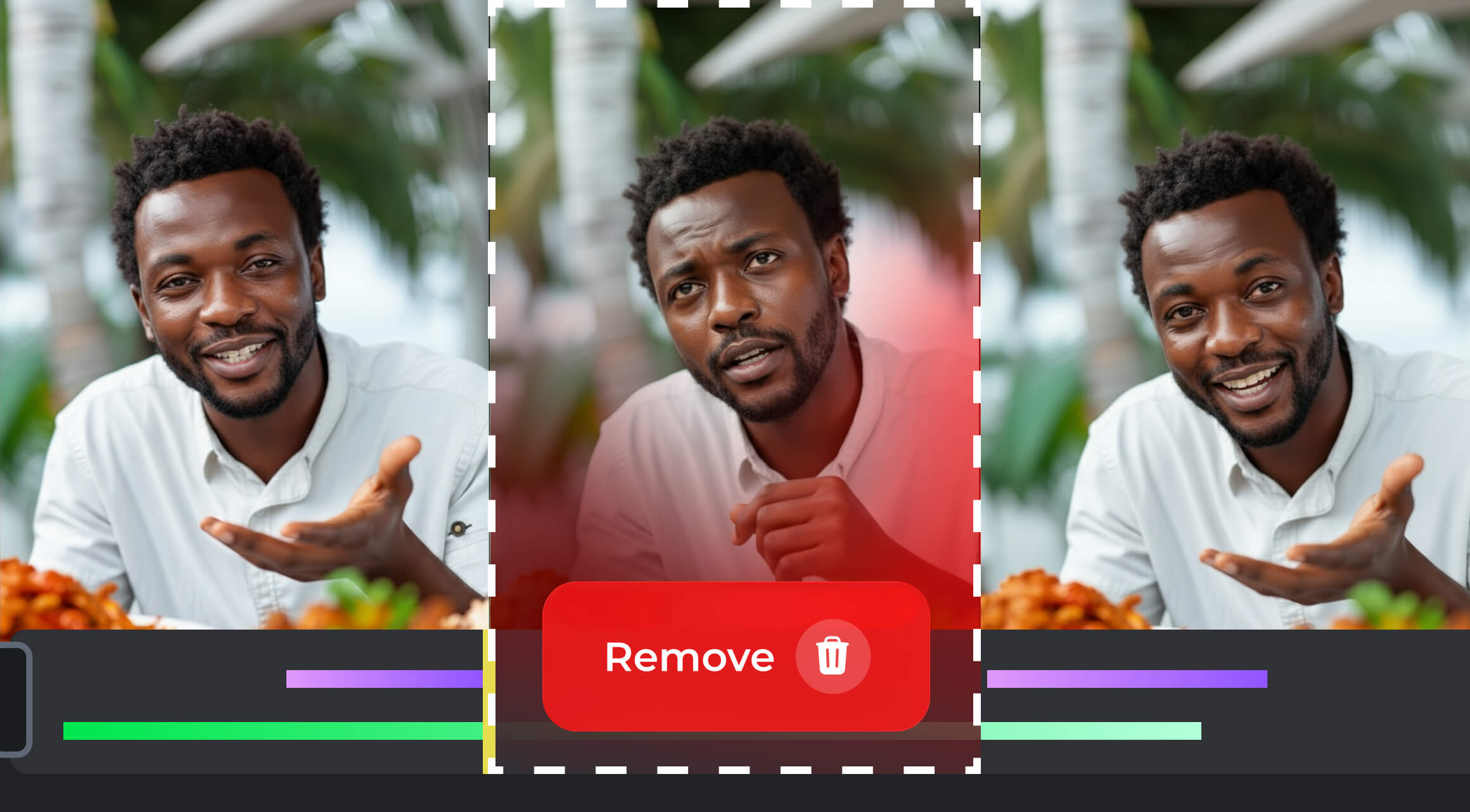
Good captions aren’t just about accessibility. They’re about attention.
When 80% of social media users watch videos with the sound off, poor or missing captions mean lost engagement. Viewers scroll past. They misunderstand your message. Or worse, they bounce.
Captions, when done right, do more than transcribe words. They make your content more inclusive, improve retention, and boost SEO. But doing captions manually is a time waste. That’s why special AI video tools were created.
13 Tools with Key Details
Let’s break down 13 of the best AI caption tools that can help you enhance video accessibility and increase viewer engagement:
1. Opus Clip

→ Opus Clip transforms long-form content like podcasts, webinars, or YouTube videos into short, captioned clips for social platforms. Its built-in AI selects the most engaging moments, generates captions, and even predicts virality with a scoring system. Perfect for creators who want a steady stream of TikTok, Reels, or Shorts without heavy manual editing.
→ Opus Clip Features:
- AI clip selection + virality scoring
- Automatic captions with styling options
- Supports multiple aspect ratios (9:16, 1:1, 16:9)
- Direct publishing + social media scheduling
→ Free Plan / Trial: 60 credits/month (about 60 minutes of processing). Watermarked exports.
→ Opus Clip Pricing:
- Starter – $15/month: 150 credits, 1 brand template, watermark removed, standard export.
- Pro – $29/month: 3,600 credits, 2 team seats, multiple brand templates, custom fonts, AI speech cleanup, exports for Adobe Premiere / DaVinci Resolve.
- Business – Custom: More seats, API integrations, enterprise storage, priority support.
2. Mirage (Captions.app)

→ Mirage (previously Captions.app) is a mobile-first captioning tool for TikTokers and Instagram creators. It generates trendy animated captions while also offering AI-powered voice cleanup and dubbing. For creators on the go, it’s one of the fastest ways to add professional subtitles.
→ Captions.app Features:
- Auto-caption with animated subtitle styles
- AI voice-to-text + dubbing support
- Built-in export for TikTok, IG, YouTube
- Runs on iOS and Android
→ Free Plan / Trial: Free exports with watermark. A subscription is needed to access advanced features.
→ Captions.app Pricing:
- Pro – $9.99/month: Basic AI editing tools, including captions in 100+ languages.
- Max – $24.99/month: Create fully-edited videos with prompts, your own digital twin, AI actors, 24/7 support.
- Scale – $69.99/month: Generate more videos faster. Choose how many monthly credits you need.
Want to reach even more viewers?
Captions are just the start. AIR helps creators scale with studio-level localization, channel optimization, and AI-driven analytics that push engagement higher. Contact us to get started.
3. Quso.ai (Vidyo AI)

→ Quso.ai (previously Vidyo AI) takes long podcasts, Zoom calls, or YouTube videos and transforms them into multiple short captioned clips. Its AI highlights the best parts, adds subtitles, and exports them in vertical formats. It’s aimed at creators who want quick turnaround and social-ready content.
→ Quso.ai Features:
- Automatic captions with templates
- Highlight detection and clipping
- Multi-platform exports (TikTok, IG, YT)
- Social scheduling
→ Free Plan / Trial: Free forever plan includes 75 credits/month, 720p export, captions, YouTube chapters, and TikTok publishing. Watermark included.
→ Quso.ai Pricing:
- Lite – $24/month: AI Clips & Captions, AI Video Generator, resizing options (16:9, 9:16, 1:1), full HD 1080p, unlimited 1080p exports.
- Essential – $33/month: Everything in Lite + 10+ premium AI tools, filler & silence removal, AI Influencer & Writer features, 1-click scheduling to 7 platforms, bring your own content scheduling.
- Growth – $33/month: Everything in Essential + unlimited social scheduling, bulk publishing, advanced analytics, custom templates & brand kits, and priority support.
4. Videotap

→ Videotap is designed for batch creators who want entire clip libraries with captions. It transcribes and captions automatically, and generates SEO-friendly titles and metadata. This makes it a good fit for YouTubers, educators, and marketers who need captions plus optimization.
→ Videotap Features:
- Auto-captioning and transcription
- SEO-driven titles and tags
- Multi-platform export formats
- Keyword metadata export
→ Free Plan / Trial: Limited trial exports.
→ Videotap Pricing:
- Creator – $21/month: 100 minutes/month, up to 45-minute videos, good transcription and AI content generation, max resolution 1080p, no team members.
- Crew – $67/month: 400 minutes/month, up to 2-hour videos, better transcription and AI content generation, 1080p export, up to 3 team members.
- Studio – $125/month: 1,000 minutes/month, up to 2-hour videos, best transcription and AI content generation, 4K exports, 10 team members, priority email support.
5. Recast.studio
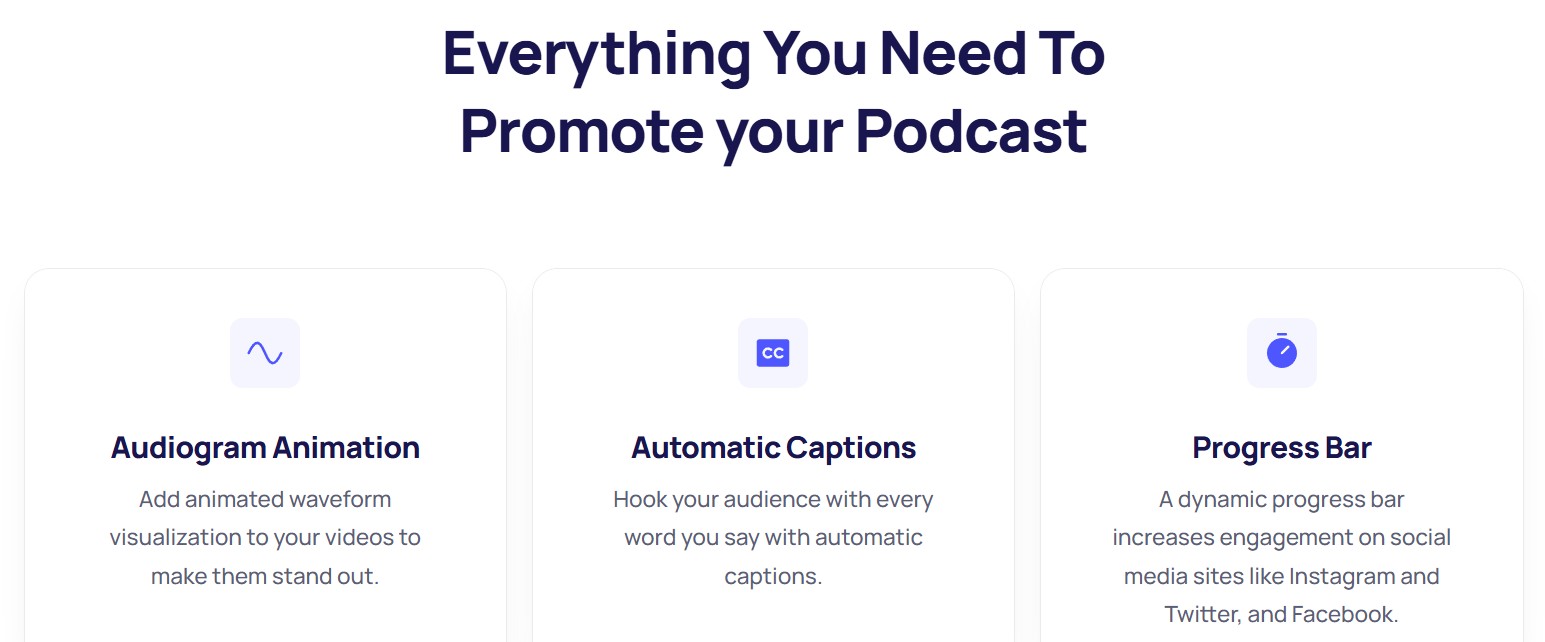
→ Recast.studio is a versatile repurposing tool that emphasizes multilingual captions. You can generate subtitles in multiple languages, customize their look, and adapt videos for LinkedIn, Instagram, or YouTube. With a simple editor, it’s easy to turn one piece of content into dozens.
→ Recast.studio Features:
- Multilingual auto-captions
- Drag-and-drop video editor
- Platform-optimized templates
- Full caption customization
→ Free Plan / Trial: One-time trial of 60 credits (~5 minutes of processing, ~1-minute max video length).
→ Recast.studio Pricing:
- Starter – $10/month (billed annually $120): 120 credits, ~300 minutes of processing, videos up to 15 minutes each, captions in 20+ languages.
- Professional – $20/month (billed annually $243): 300 credits, ~600 minutes of processing, videos up to 60 minutes each, 20+ languages, priority features.
6. Repurpose.io
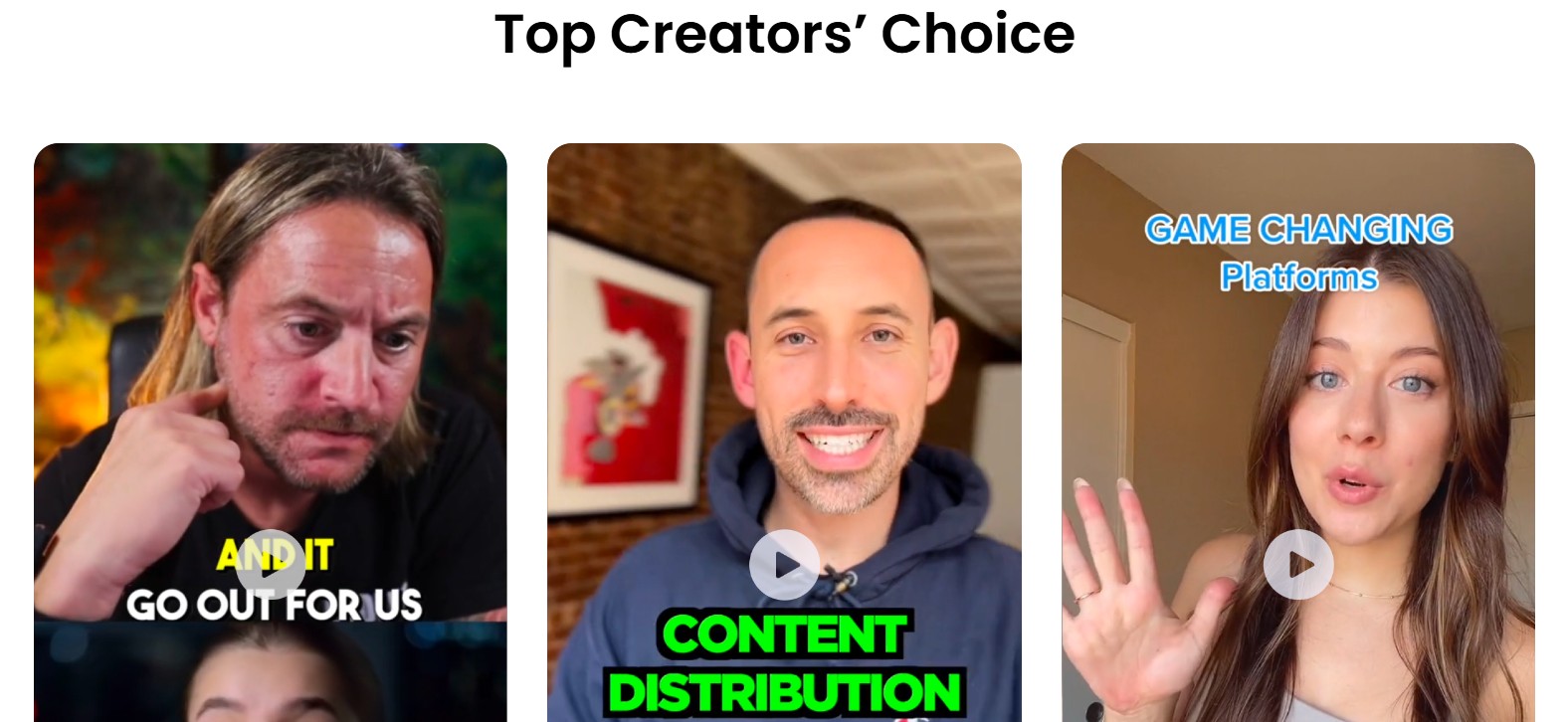
→ Repurpose.io allows you to set up workflows that automatically generate captions, resize content, and publish videos across multiple social media platforms. This tool helps you save hours every week by automating repetitive editing and publishing tasks.
→ Repurpose.io Features:
- Auto-captions and burned-in subtitles
- Auto-publishing to TikTok, YouTube Shorts, Instagram, LinkedIn, and more
- Workflow automation with preset rules
- Multi-account and multi-platform management
- Premium Social Pack with advanced templates
→ Free Plan / Trial: 14-day free trial available.
→ Repurpose.io Pricing (billed annually):
- Starter – $349/year (~$0.97/day): Manage 3 accounts per social media channel, publish up to 5,000 videos/month, includes Premium Social Pack. Best for solo creators and small businesses.
- Pro – $790/year (~$2.19/day): Manage 10 accounts per channel, unlimited published videos/month, Premium Social Pack included. Ideal for growing teams and creators with multiple brands.
- Agency – $1,790/year (~$4.97/day): Manage 25 accounts per channel, unlimited publishing, Premium Social Pack included, designed for agencies handling multiple clients at scale.
7. GetMunch
→ GetMunch focuses on marketing insights and captions together. It analyzes your content, chooses high-performing clips, and automatically captions them. With multilingual support and analytics, it helps creators not just repurpose but also understand what works.
→ GetMunch Features:
- Auto-captioning + translation
- AI-driven clip suggestions
- Analytics dashboard
- Social publishing
→ Free Plan / Trial: No free plan.
→ GetMunch Pricing:
- Pro – $49/month: 200 minutes, captions included, AI clip generation.
- Elite – $116/month: 500 minutes, multilingual captions, early access to new tools.
- Ultimate – $220/month: 1000 minutes per month, full access to premium tools.
8. Chopcast
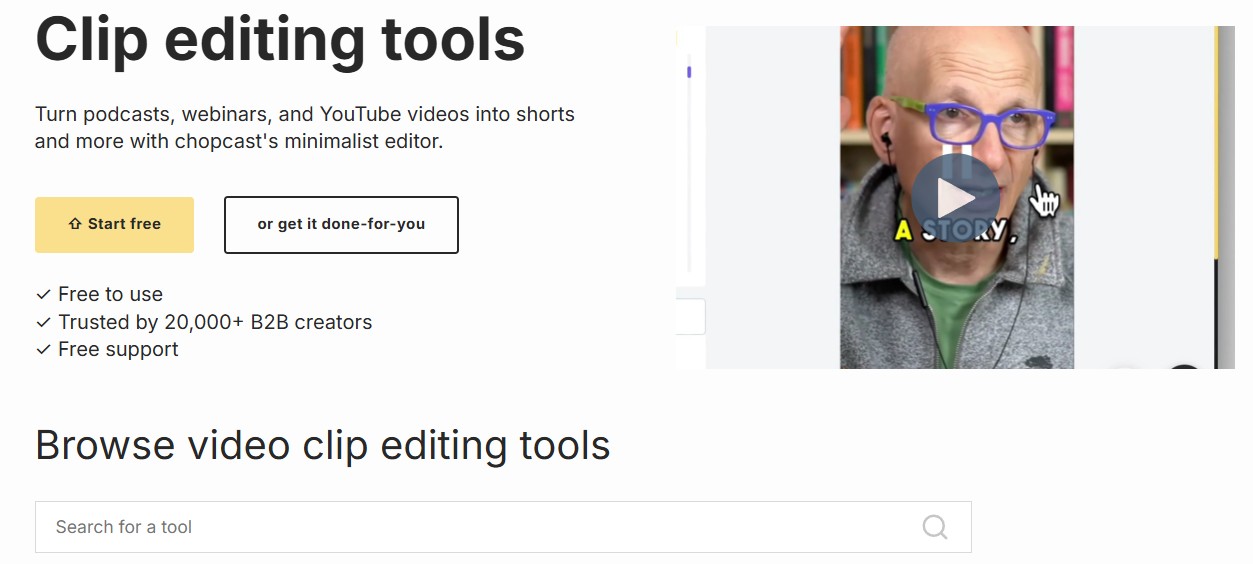
→ Chopcast is tailored for B2B marketers, educators, and webinar creators. It turns long corporate content into professional-looking clips with clean captions and SEO metadata. It’s one of the few repurposing platforms that emphasizes captions for LinkedIn-style content.
→ Chopcast Features:
- Auto-captions in professional layouts
- SEO metadata export
- Batch clip creation
- LinkedIn-first templates
→ Free Plan / Trial: 30-day promise (if not happy, you don't pay).
→ Chopcast Pricing:
- Mini – $997/month: 1 studio session, 2 clips per week, captioned and posted on YouTube only.
- Startup – $1,997/month: 2 studio sessions, 5 clips per week, social posts for LinkedIn + YouTube, plus a dedicated consultant.
- Business – $4,997/month: 4 studio sessions, unlimited clips per week, captions and publishing across 3 channels, plus source file ownership.
9. Snapcut AI

→ Snapcut AI is all about speed for short-form creators. It automatically detects key moments, applies captions with trendy designs, and exports vertically. If you want TikTok-ready clips with no extra effort, this tool is built for you.
→ Snapcut AI Features:
- AI-powered highlight detection
- Auto-captions in 20+ languages
- Auto reframe for vertical and horizontal exports
- Caption editor for manual tweaks
- Multiple aspect ratios (9:16, 16:9, 1:1)
- Up to 4K rendering (Pro plan)
→ Free Plan / Trial: Free account includes 60 minutes/month, watermark, 720p resolution.
→ Snapcut AI Pricing:
- Starter – $8.99/month: 150 processing minutes/month, AI cut selection, auto reframe, captions in 20+ languages, editable captions, up to 1080p, no watermark.
- Pro – $11.33/month: 3,600 minutes/year, everything in Starter plus 4K exports, faster processing, raw video downloads, multiple aspect ratios, and upcoming features like AI B-roll and instant publishing.
10. Clipwing Pro
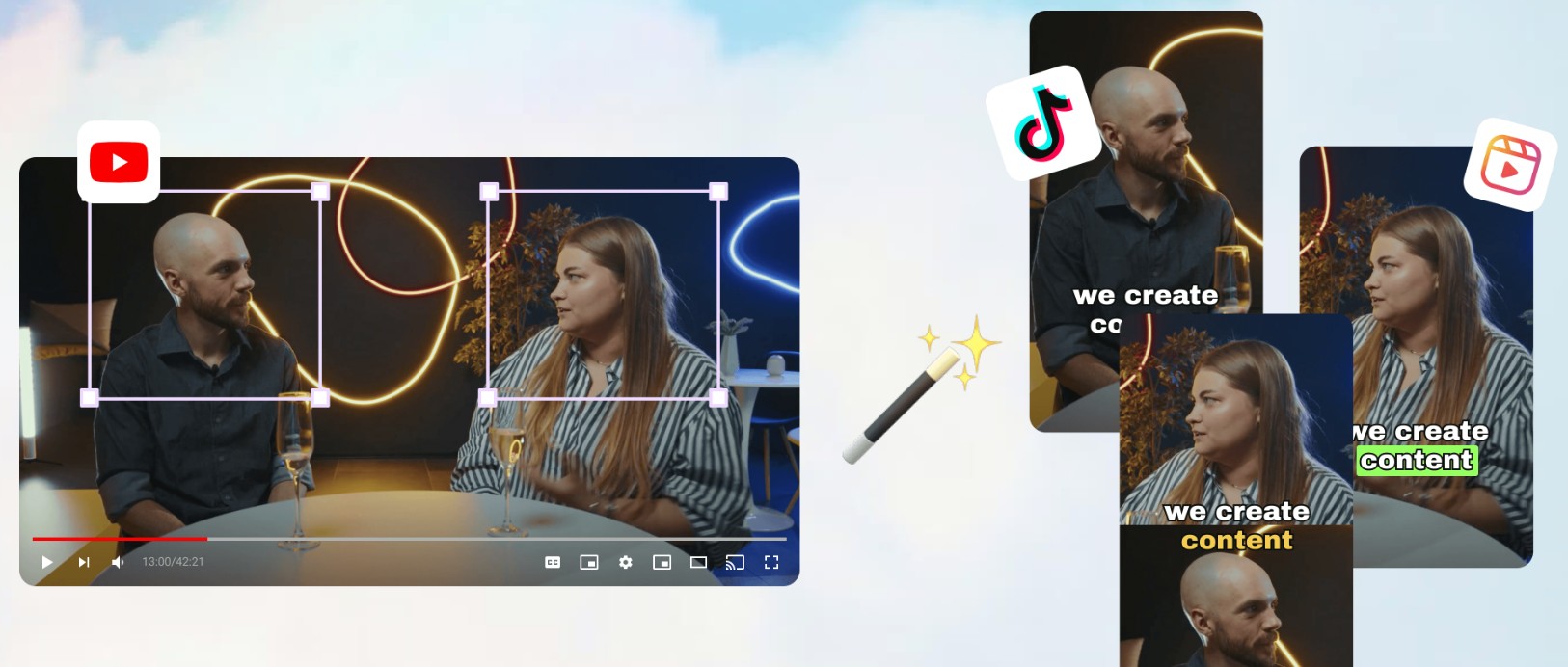
→ Clipwing Pro is designed for creators who want control over their captions. It lets you edit every line, pick fonts, colors, and layouts, and export in high resolution. For brands with strict visual identity, Clipwing Pro is a great fit.
→ Clipwing Pro Features:
- AI + human hybrid clip creation
- Captioning with custom fonts, styles, and branding
- Clip moment identification + editing
- Slack-based collaboration with the editing team
- Add-ons like YouTube thumbnail design and summaries (on higher plans)
→ Free Plan / Trial: No free plan. $24.99/one-time to test.
→ Clipwing Pro Pricing:
- Studio Pro – $2,999.99/month: One request at a time (5-day turnaround), 3 short-form videos per request, clip moments identification, captions and branding, team chat via Slack.
- Studio Advanced – $3,999.99/month: Everything in Pro plus full-length episodes (video + audio), YouTube thumbnail design, written assets (summaries, timecodes), premium captions and branding.
- Studio Full-Time – Custom Pricing: A dedicated full-time video editor working exclusively on your brand’s content. Unlimited requests, ideal for businesses needing consistent, high-volume repurposing with captions.
11. Descript
→ Descript is a full editing suite. You can edit scripts, export captions directly, and clean up audio with Studio Sound. This tool is great for creators who want one tool that handles editing, audio, and subtitles.
→Descript Features:
- Text-based editing for audio + video
- AI filler word removal and Studio Sound
- Auto-captioning with customization
- AI speech and dubbing in 20+ languages
- Export in up to 4K resolution
- Avatars and royalty-free stock library (on higher plans)
→ Free Plan / Trial: Text-based editing, some AI tools.
→ Descript Pricing:
- Hobbyist – $16/month per person: 10 transcription hours/month, 1080p export watermark-free, 20 monthly AI Actions (filler word removal, sound cleanup, clips), 30 minutes/month of AI speech, 5 minutes/month of avatars.
- Creator – $24/month per person: 30 transcription hours/month, 4K export, unlimited AI Actions (including eye contact and advanced tools), 2 hours/month of AI speech, 30 minutes/month of dubbing in 20+ languages, 10 minutes/month of avatars, unlimited stock media.
- Business – $50/month per person: 40 transcription hours/month, team-wide access to Brand Studio, unlimited Professional AI Actions (with translation proofread), 5 hours/month of AI speech, 2 hours/month of dubbing, 30 minutes/month of avatars, priority support with SLA.
12. Brevidy
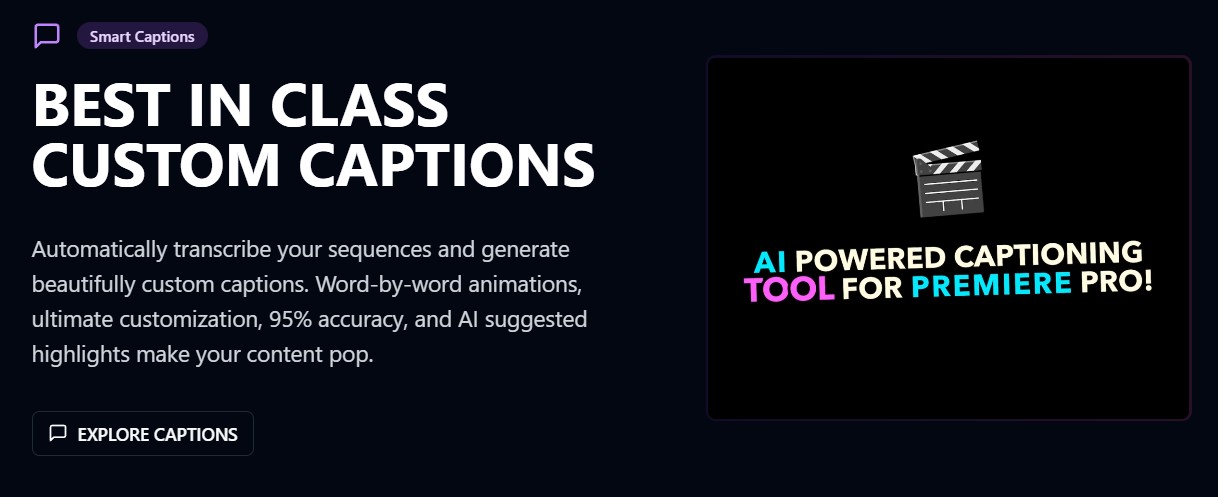
→ Brevidy is an AI captioning and video enhancement tool for short-form creators, podcasters, and professional teams. It makes captioning fast and customizable, with presets for trending styles and the ability to fully personalize captions. The tool also helps with animation, media management, and even auto-cutting content into social-ready clips.
→ Brevidy Features:
- AI-generated captions with trending presets
- Custom caption styling (3+ custom presets)
- Full media browser access for asset management
- Animation options (basic to advanced)
- Export captions as SRT files (Producer plan and up)
- Team presets, API access, and automation (Enterprise)
→ Free Plan / Trial: A 7-day free trial is included with all paid plans.
→ Brevidy Pricing (billed yearly):
- Captioner – $14.99/month: 1,200 minutes/year, trending caption presets, 3 custom caption presets, simple animation options, full media browser access, priority support.
- Producer – $29.99/month: 4,800 minutes/year, unlimited custom caption presets, download captions in SRT, AI-suggested media content, advanced animation library, autocut into social clips, priority support.
- Enterprise – Custom Pricing: Unlimited credits/month, shared team presets, API access for automation, team management, role-based access control, onboarding/training, dedicated support, and unified billing.
13. Snap Captions
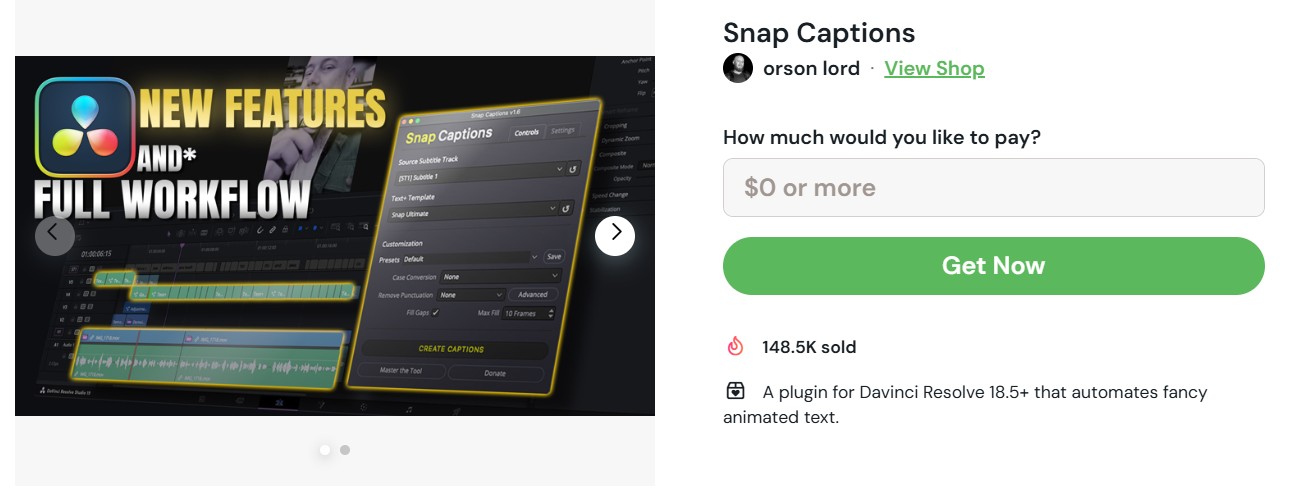
→ Snap Captions is a plugin for DaVinci Resolve 18.5+ that automates animated captions directly inside your editing timeline. This tool generates styled captions with smooth animations and customizable presets. It’s lightweight, runs inside Resolve, and is especially popular among editors who want fast, professional-looking captions without third-party apps.
→ Snap Captions Features:
- Automates caption creation in DaVinci Resolve
- Animated text styles and presets
- Supports customization (fonts, colors, motion)
- Easy integration with Resolve
- One-time installation, no subscription required
→ Snap Captions Pricing: The tool runs on a pay-what-you-want model. You can download it for free or support the creator with a contribution of your choice.
How to Pick the Right Caption Tool
Use this checklist to choose the right one for your channel:
30-Second Picks (by use case)
- Fast, automated captions for Shorts/Reels: → Opus Clip or Snapcut AI (auto-highlight detection, multi-language captions).
- Stylized captions for creators: → Captions.app or Brevidy (trending presets, animations, custom styling).
- Bulk repurposing long-form content: → Quso.ai (Vidyo AI) or Videotap (multi-platform publishing, filler removal, analytics).
- Affordable multilingual captioning: → Recast.studio (20+ languages, credit-based pricing).
- Automated publishing pipelines: → Repurpose.io (auto-post with captions across 10+ platforms).
- Done-for-you premium service: → Chopcast or Clipwing Pro (studio sessions, consultants, branded captions).
- All-in-one editing + captions: → Descript (text-based edits, dubbing, AI Actions).
- Team & enterprise workflows: → Brevidy Enterprise or Clipwing Pro Full-Time (API access, automation, collaboration).
- DaVinci Resolve editors: → Snap Captions (animated captions plugin, pay-what-you-want).
What to Check Before Choosing
- Caption accuracy: Does it handle slang, accents, and multiple speakers correctly? Run a 30–60s test.
- Style flexibility: Do you need simple subs (Recast, Snap Captions) or trendy animations (Captions.app, Brevidy)?
- Speed & scale: Can it process a 30–60 min video in minutes, or does it bottleneck your workflow?
- Multi-language support: Needed for global reach? Tools like Quso.ai, Videotap, and Recast.studio excel here.
- Publishing fit: If you want automated distribution, Repurpose.io or Quso.ai can save hours.
- Budget vs. value: Compare minutes/credits to your upload frequency. High-volume creators may find Videotap, Brevidy, or Pro-level plans more cost-efficient.
- Human vs. AI: If you need premium polish, Chopcast and Clipwing Pro combine AI workflows with real editors.
Pick the tool that makes captions both accurate and engaging while fitting into your content pipeline. If it can’t pass the accuracy + workflow speed test in under 5 minutes, it’s not your tool.
And if you want to go beyond captions and actually scale your channel globally, reach out to us at AIR Media-Tech. From translation and dubbing to channel optimization and distribution, we ensure your content is not only seen but also understood worldwide.